![Search Console Insights logo [black]](https://gscinsights.io/wp-content/uploads/2023/09/Search-Console-Insights-logo-black.webp)
![Search Console Insights logo [white]](https://gscinsights.io/wp-content/uploads/2023/09/Search-Console-Insights-logo-white.webp)
Search Console Insights
Easiest way to manage
Search Console AI search visibility site performance search traffic website keywords
Implement SEO analysis faster and get full GSC insights with Search Console Insights - Google Search Console Chrome extension.
GSC Insights Extension's Features
All Google Search Console data, simplified
Search Console Insights Chrome extension makes analyzing GSC data easier and faster, directly in the Chrome extension.
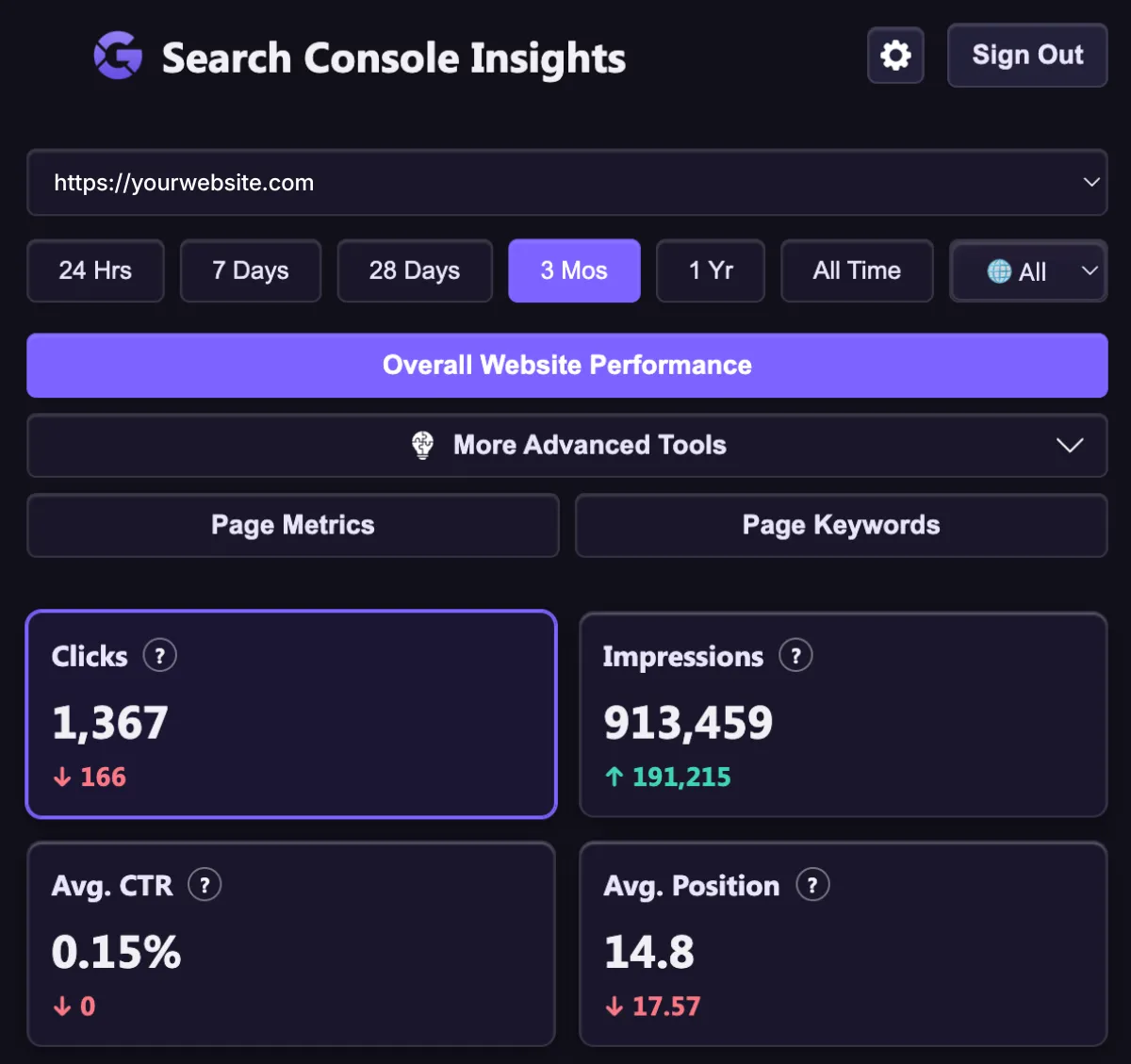
GSC Main Metrics
Keep an eye on the page metrics including clicks, impressions, CTR, and avg. positions.
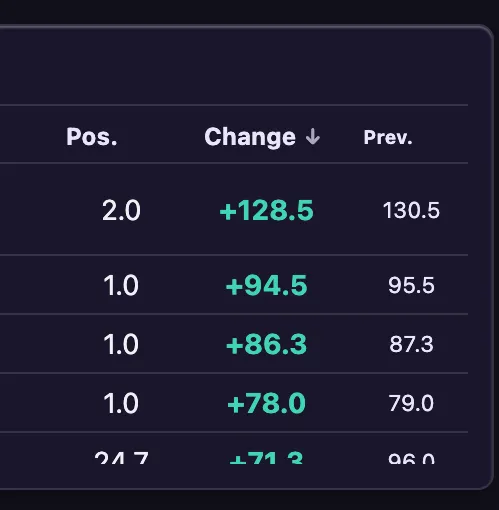
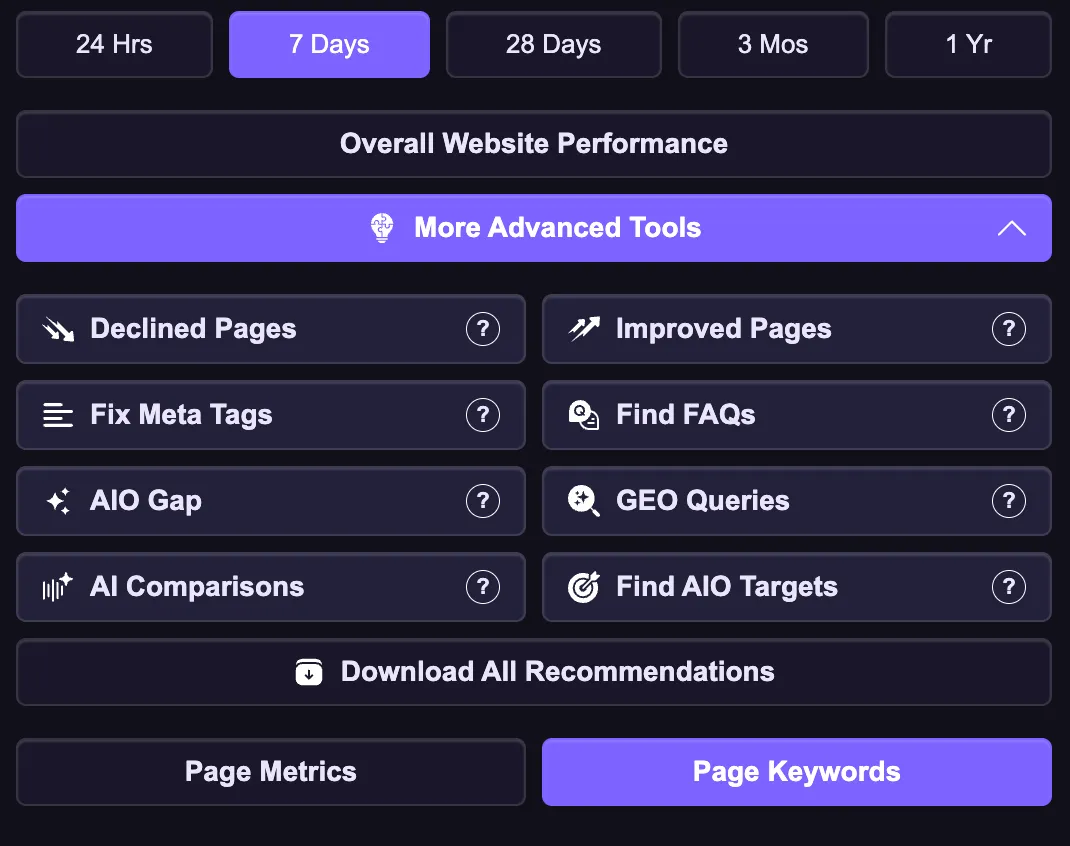
Improved Pages
With a single click, identify the top improved pages on your website.
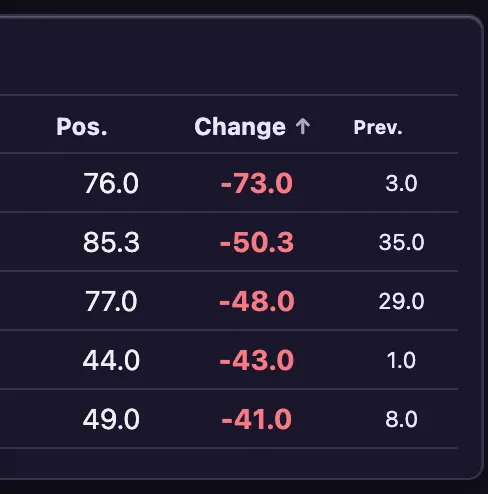
Declined pages
Quickly see the declined pages on your website and start improving them.
Fix Meta Tags
Find keywords ranking in the top 4 positions with lower than 3% CTR and optimize meta tags.
Find FAQs
Define frequently asked questions your pages are ranking for and optimize them.
Find AIO Gap
Find AI Overview opportunities your page can rank for and optimize it to rank higher.
Explore GEO Queries
Find keywords ranking in the top 4 positions that get lower than 3% CTR and optimize them.
AI Comparisons
Find "best", "vs.", and "alternative" queries AI uses to recommend products.
Find AIO Targets
Find data, stats, case studies, and other queries and optimize them to be cited by LLMs.
Keyword Cannibzalization
Enter a keyword to see how many pages are ranking for the same term and competing against each other.
Overall Website Data
With a single click, see overal website performance and be aware about algo updates and drops on time.
Get Recommendations
After the analysis, download recommendations after exploring keywords or features with a single click.
Easiest way to audit find understand
your SEO strategy gaps
Discover how to use the Search Console Insights Chrome extension works and enhance your SEO strategy.
See how it works
This is how the extension works
Installation is very easy. All you need is simply following the steps below to easily analyze, identify the main gaps, and know which pages to improve on your website.
Get the extension
Go to Chrome Web Store and download the extension on your Chrome browser.
Choose account
Choose the Google account you have your properties on and give access to show Search Console data to start using the extension. 1 Chrome account per license.
Plan SEO strategy
Start your 14-day trial to explore all features and improve your SEO strategy.
Learn more about
Google Search Console Chrome extension
Explore some of the most frequently asked questions people ask about the Search Console Insights extension.
Yes, your data is 100% private and secure. The Search Console Insights extension acts as a direct link between your local browser and the official Google Search Console API.
We do NOT have servers, and we NEVER track, collect, or store any of your website's data.
Every data you see in the extension is SAFE and pulled by the official GSC API so the extension does NOT save ANY of your data.
For security reasons, Search Console Insights Chrome extension links directly to your active Chrome Browser Profile. This means that you can only connect one Google account per profile.
If you manage multiple clients across different Google accounts, we highly advice setting up dedicated Chrome Profiles to keep their workspaces perfectly isolated.
To get the license, you can explore our pricing page where you will find every feature the extension offers, and get your relevant plan.
No, this is not the official Google Search Console extension. It's developed by Albert Badalyan, an independant SEO professional, Author, and SEO strategist.
However, the extension is using the officla Google Search Console API to show your data. Everything you see on your website is pulled directly from the official GSC database
All GSC Data, One Click Away
Improve your SEO strategy with Search Console Insights
Analyze your website's Search Console data and improve SEO performance.